Your brand on every link
Everyone you send to, or get files from, sees your look. Not ours.

01 / The big things
The big things you can change
On every link you send and every request you make.
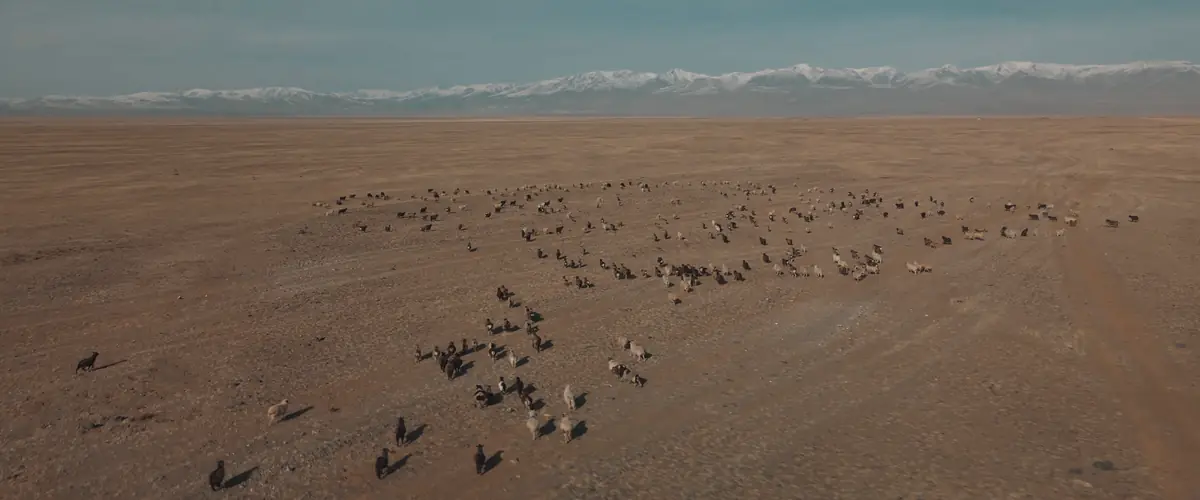
Background
An image, a video, a color or a random one, as many as you like.
From Pro
Logo
Yours in the header, in Hink's place.
From Pro
Without Hink's menus
Only your logo at the top of your links.
From Pro
Colors
Your color on buttons, the header and the cards.
Enterprise
Fonts
Your own font, for headings and for text.
Enterprise
Corners
Square, soft or round, for cards and buttons.
Enterprise
Your own address
Every link on your own domain, like files.valden.com.
Enterprise
Emails
The emails with your links, in your look and from your name.
Enterprise






02 / What you can change
Your background and logo with Pro. All of it with Enterprise.
| What you can change | PRO | TEAMS | ENTERPRISE |
|---|---|---|---|
| Your own background: an image, a video or a color | Included | Included | Included |
| As many images and videos as you like, to switch between | Included | Included | Included |
| Your logo | Included | Included | Included |
| Your links without Hink's menus | Included | Included | Included |
| Your color on buttons | Not included | Not included | Included |
| Your font | Not included | Not included | Included |
| Your card color | Not included | Not included | Included |
| Your own address, like files.studionord.se | Not included | Not included | Included |
| Emails in your look, from your name | Not included | Not included | Included |
| Terms your clients accept before they download | Not included | Not included | Included |
| Custom solutions, built with you | Not included | Not included | Included |
| Nothing on the page says Hink | Not included | Not included | Included |
03 / Built with you
Need more than a look? We build it with you.
On Enterprise we build what your work needs, for example:
A link for every client
Each client gets a link of their own, and what they send lands in their folder.
Requests
A checklist of documents
List what you need from a client, and they're reminded until every piece is in.
Requests
Hink in Outlook
Big attachments go as a link in your look, without leaving your email.
Outlook
Straight into your storage
What people send you is copied to SharePoint, Google Drive or your own server, in the right folder.
Behind the scenes
A look for every brand
Each brand or company in your group with its own look, address and admins, on one invoice.
Brand settings
Rules for what leaves
Files to outside addresses can wait for a manager's OK, or be stopped by your own rules.
Sending